Create custom iPhone ringtones from any audio or video.
Trim audio, extract sound from videos, preview your clip, and export a ringtone — all on your iPhone in seconds. No computer. No iTunes.
What is TrimTone?
TrimTone is an iPhone app that lets you create custom ringtones from any audio or video file on your device. Import a song, a voice memo, or a video clip — trim it to the perfect 30-second segment, preview it, and export a ringtone-ready file.
TrimTone also supports extracting audio from video files, so you can turn a memorable moment into your personal ringtone or text tone.
Everything happens on your iPhone. No computer, no iTunes, no uploads. Free to download. You only pay when you export.

Everything you need to make ringtones
Focused tools. No bloat. Just what you need to turn your favorite clips into iPhone ringtones.
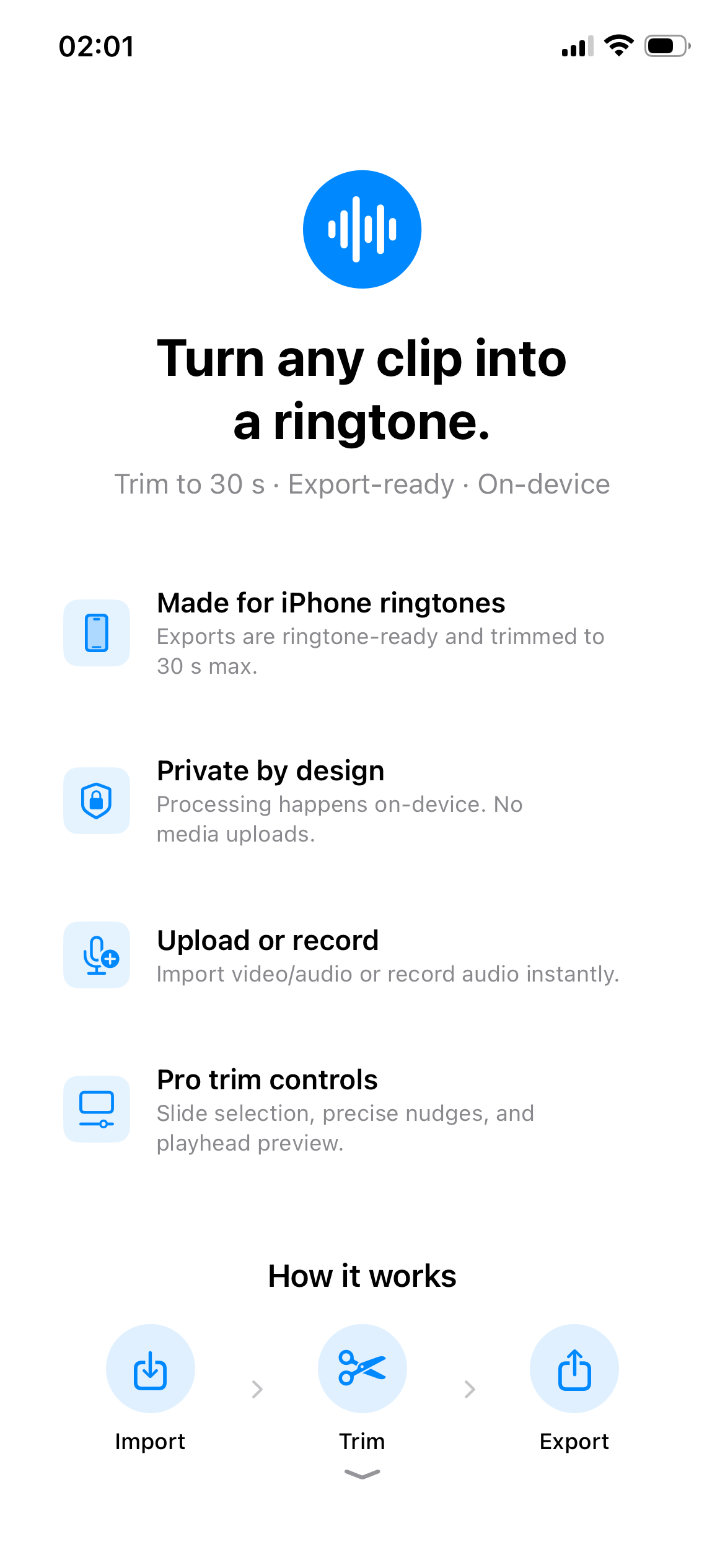
Made for iPhone ringtones
Exports are ringtone-ready and trimmed to Apple's 30-second maximum. No format headaches — just tap and go.
Private by design
All processing happens on-device. Your media never leaves your phone. No uploads, no servers, no third-party tracking.
Import audio or video
Import a video or audio file from your library, or record fresh audio right in the app. TrimTone extracts audio from video automatically.
Precision trim controls
Drag the selection handles, nudge endpoints frame-by-frame, and preview with the playhead before exporting.
Preview before you pay
Listen to your trimmed clip as many times as you want — completely free. Only spend a credit when you're ready to export.
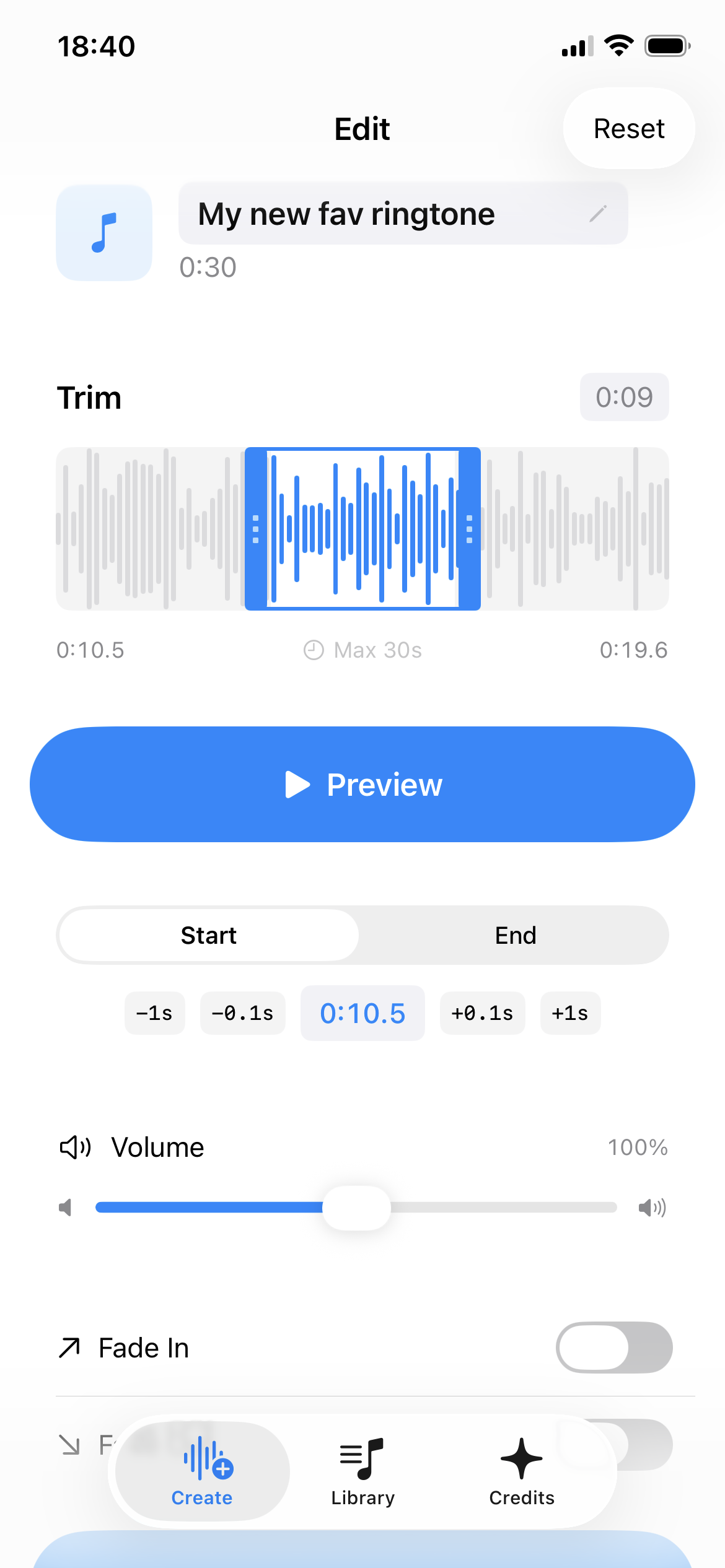
Precise to the frame
Drag handles, nudge endpoints one frame at a time, and preview before exporting.
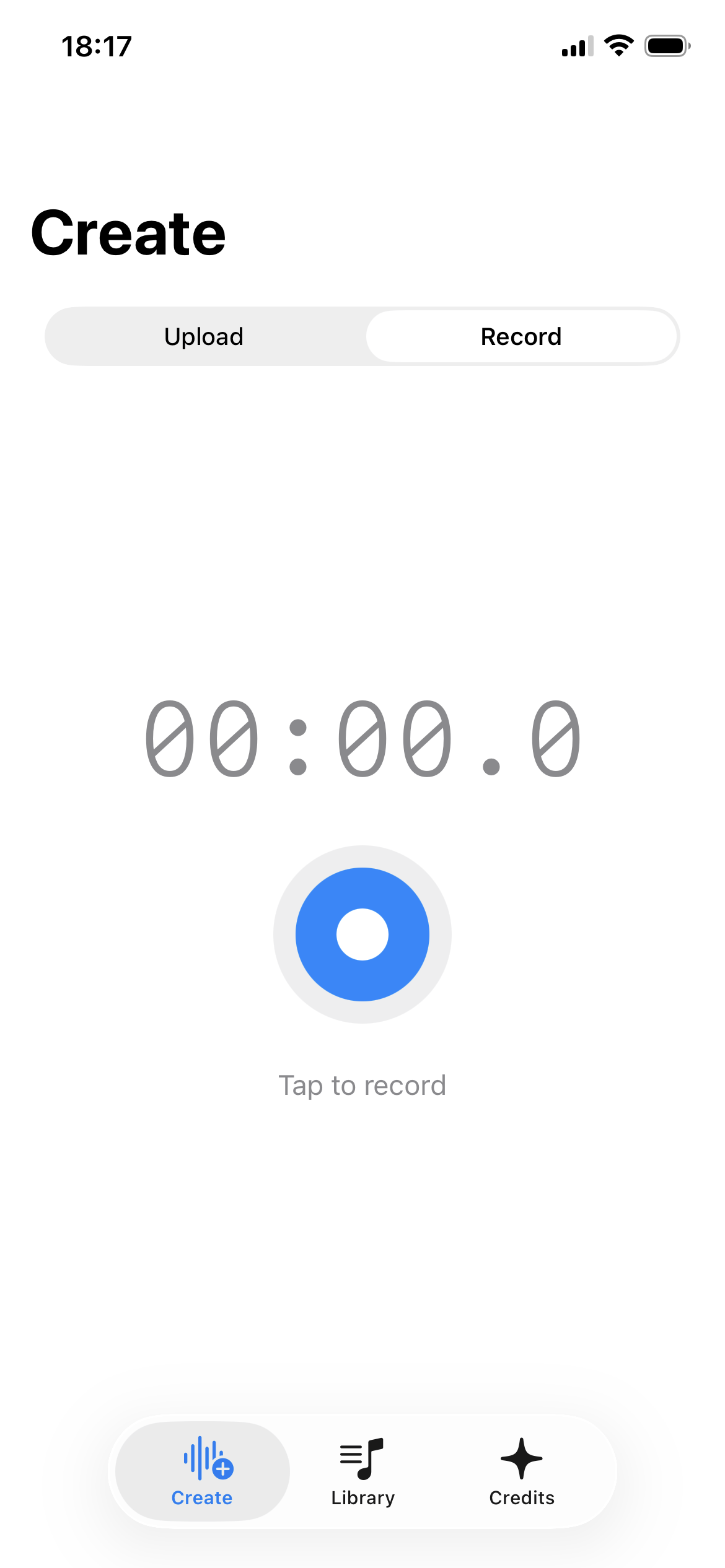
Capture anything live
Hit record and trim on the spot. No need to find a file first.
How to make a custom iPhone ringtone
Four steps. No computer, no iTunes. Full guide →
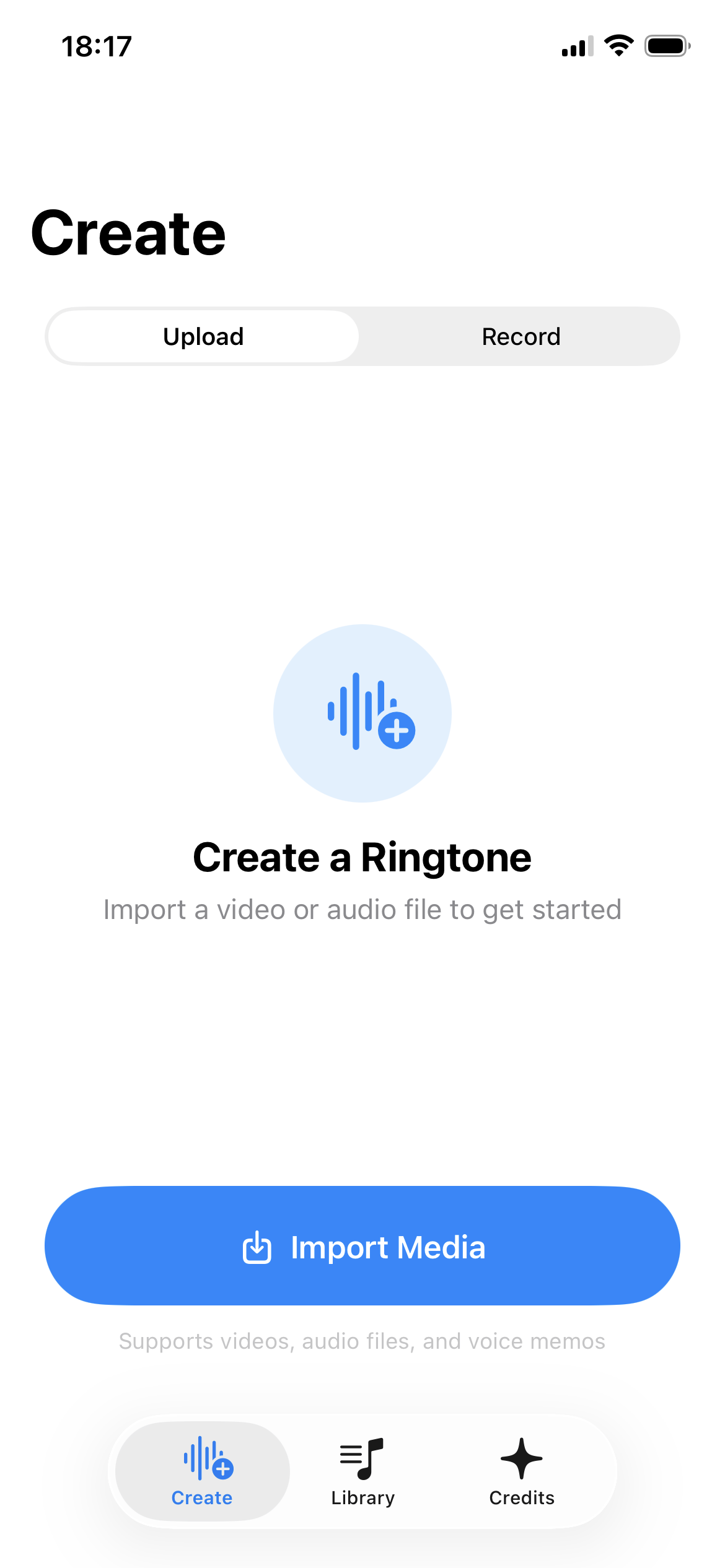
Import or record
Choose an audio file, a video, or a voice memo from your library — or record fresh audio directly in TrimTone.
Trim & preview
Use the timeline to select up to 30 seconds. Drag, nudge, and preview until it sounds perfect. Previewing is always free.
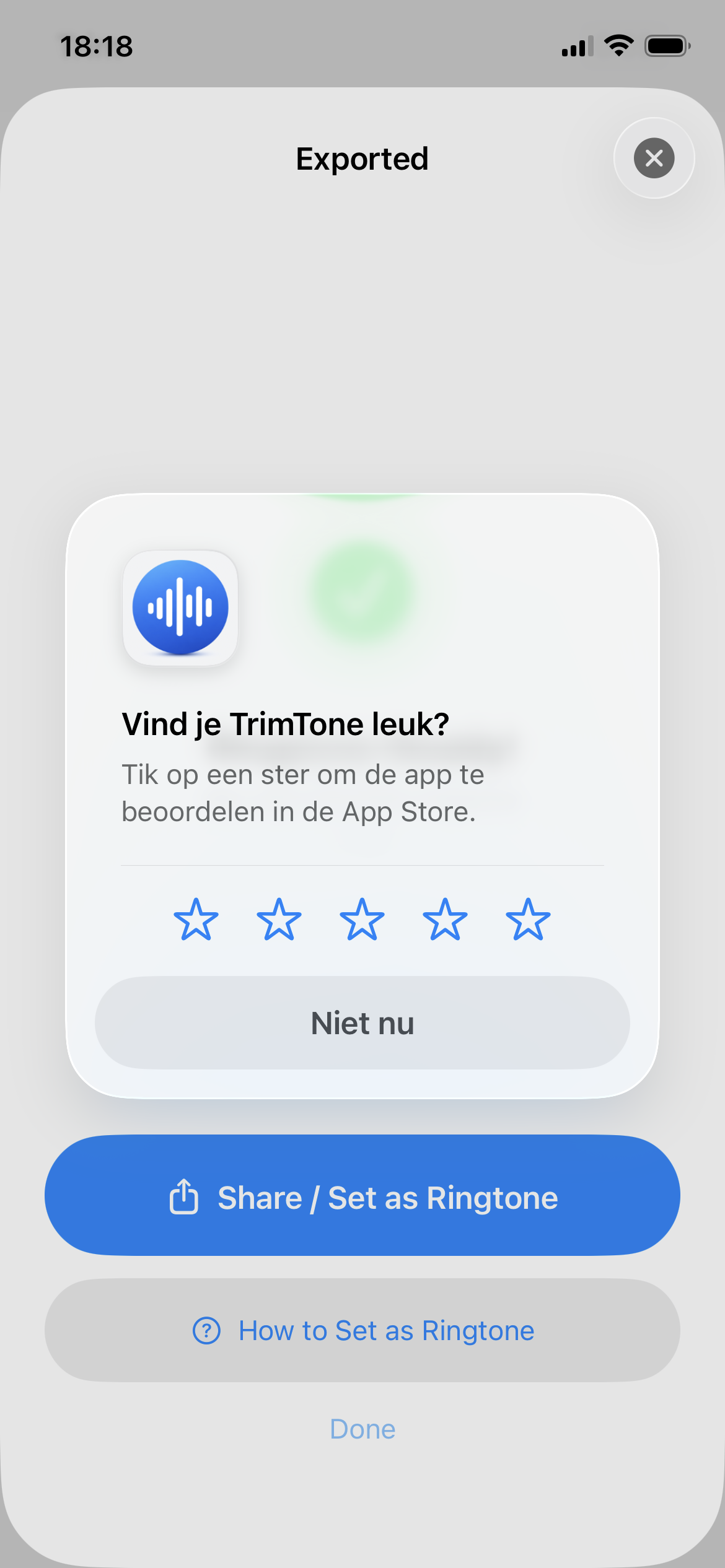
Export your ringtone
When you're happy with your trim, export the ringtone file with one tap. Exporting uses one credit.
Set it on your iPhone
TrimTone guides you through the steps: open the exported file in GarageBand, share it as a ringtone, then select it in Settings → Sounds & Haptics. No computer needed.
Why people use TrimTone
Making custom ringtones used to be complicated.
iTunes / Computer method
Requires a Mac or PC, a cable, file conversion, and multiple steps across different apps.
GarageBand from scratch
Works, but requires importing audio into GarageBand, trimming manually in a complex music production interface.
TrimTone
Import or record → trim with precision → export → set as ringtone. All on your iPhone in under a minute.
Your files stay on your iPhone.
TrimTone processes everything locally on your device. Your audio and video files are never uploaded to external servers. No accounts, no sign-ups, no third-party tracking.
The developer may receive anonymized, aggregated analytics from Apple (App Analytics), which does not identify individual users. Your privacy is not a feature — it's the foundation.
Read the Privacy Policy →Simple, honest pricing
Download free. Preview free. Pay only when you export. Details →
1 Credit
$0.99
Export one ringtone
5 Credits
$3.99
Export five ringtones
Lifetime Unlimited
$8.99
Unlimited exports, forever
US App Store prices. May vary by region.
Built with care
On-device privacy
Your audio and video files stay on your iPhone. Nothing is uploaded to external servers. No third-party tracking.
No account needed
Open the app and start trimming. No sign-ups, no logins, no email required.
Designed for iPhone
Built natively for iOS with a clean, intuitive interface. Requires iOS 17.0 or later.
"I've been wanting to make custom ringtones for years but it always seemed like such a hassle. TrimTone made it stupidly easy — picked a clip, trimmed it, done. Took maybe 30 seconds."
— Jake M., beta tester
"Love that nothing gets uploaded anywhere. I was nervous about privacy with other apps but TrimTone keeps everything on my phone. Plus the trim controls are surprisingly precise."
— Sarah L., beta tester
"Finally got rid of the default ringtone! The preview feature is great — I tweaked my trim about ten times before I was happy and it didn't cost me a thing until I exported."
— Chris R., beta tester
Feedback from early TrimTone testers. These are not verified App Store reviews.
Common Questions
Does TrimTone upload my audio or video?
Can I make a ringtone from a video?
Why are iPhone ringtones limited to 30 seconds?
How do credits work?
Ready to make your ringtone?
Free to download. Create your first custom ringtone in under a minute.